Sleek or secure? For hybrid work devices, there’s an answer
Laptops that end the struggle between users and IT
By WP Creative Group
As long as there have been laptop computers, there has been a tug of war between IT departments and the employees who use the devices every day. While IT wants devices that are durable, secure and easily managed, users want their devices to be sleek, powerful and portable.
When the pandemic arrived, that tension intensified. Few companies at the time were prepared with the devices or software to perform in-office work outside the office. Some employees quickly realized they didn’t have the monitor or camera they needed to work remotely. IT departments had to learn quickly to update machines across distributed teams and secure devices on a vast number of different networks.
70% of organizations will continue using a hybrid work model after the pandemic
Forrester study commissioned by Intel
The challenges of hybrid work are here to stay: Around 70 percent of organizations will continue using a hybrid work model after the pandemic, according to a Forrester study commissioned by Intel. As employees flow between at-home offices, virtual and in-person meetings, sales travel and the occasional commute, performance and security are crucial.
“Things like responsiveness, being able to work on the go, battery life, style and design are all incredibly important or becoming more important again as people transition from fully remote to hybrid,” says Bradley Jenkins, UK client category sales director at Intel.

57% of survey responders notes that underperforming systems impacted their job satisfaction
ZenBusiness survey
Devices also present another issue for company leaders — retention. 73 percent of CEOs report a labor and skills shortage as their No. 1 issue. In this constantly shifting hybrid environment, what device an employee uses every day can determine more than just their productivity: it can affect how long they want to stay with their company.
A little over 80 percent of ZenBusiness survey respondents said they were stuck with out-of-date devices, and 57 percent noted that underperforming systems impacted their job satisfaction. Half of employees surveyed in 2021 reported they were at least somewhat likely to quit in the next 3-6 months.
Hybrid lifestyles don’t fit neatly into boxes, and hybrid workers expect flexibility. Intelligent businesses are balancing the flexibility that makes employees happy in their work with what their IT teams need — security and reliability for a constantly-changing workforce.
What Employees Want
Workers today expect stylish, nimble, speedy work devices resembling personal laptops — light in weight but full of processing power, said Jenkins. Younger, digital native workers prefer leading-edge technology by up to 80 percent.
The devices companies offer might well determine the talent they attract and retain. 71 percent of Millennials say technology choices impact where they decide to work. But now, fewer than 36 percent of IT decision-makers strongly agree that their current computing environment enhances productivity. Getting the wrong device for a business professional can lead to unnecessary expenses.
Younger, digital native workers prefer leading-edge technology by up to 80%
“If you get a device specification wrong, I liken it to a productivity tax,” said Stu Dommett, enterprise client solutions specialist at Intel. “You under-spec a device at the beginning, and you’ll pay during the life of the device, amplified as years pass.”
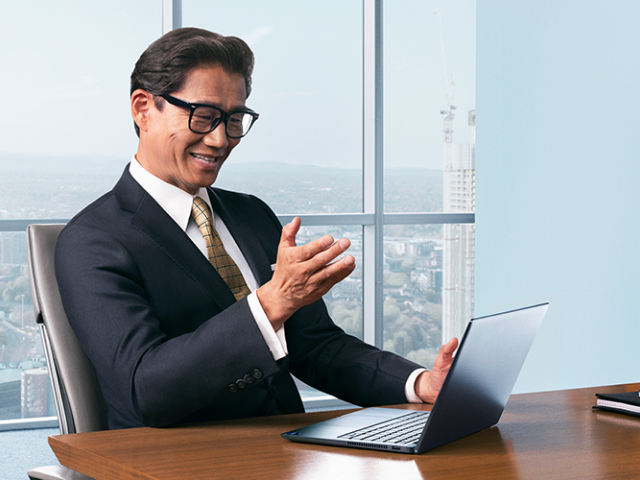
As videoconferencing has become a cornerstone of hybrid work, cameras and microphones are a must. But employees want to look and sound their best without awkward delays or cluttered backgrounds. That means studio-quality features, including noise suppression, background blur, face-framing and lighting correction, coupled with dependable performance.
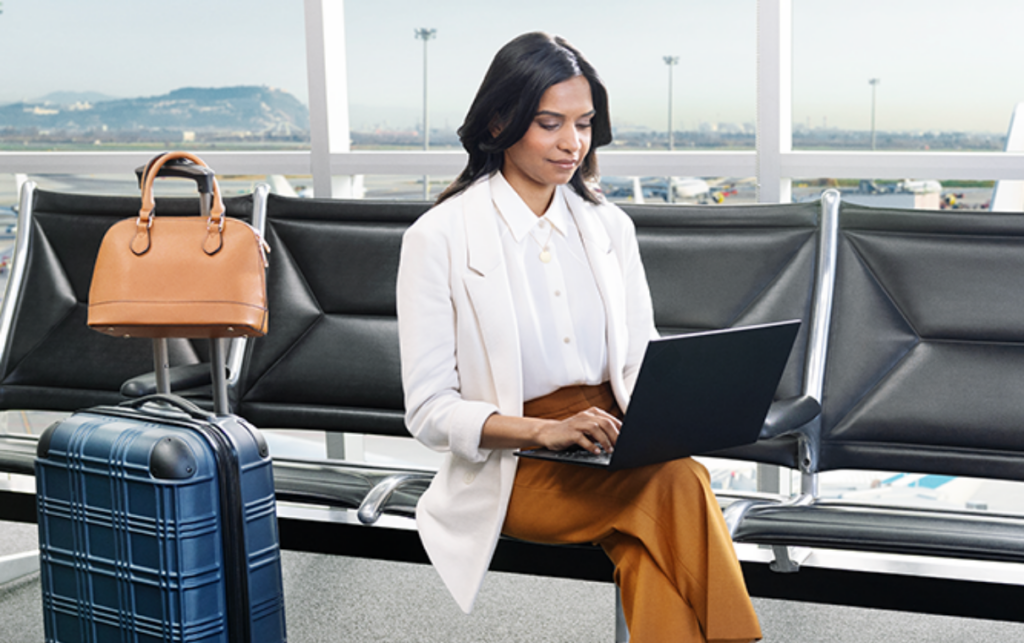
Hybrid and remote workers often need to pivot between work-from-home setups, office desks and on-the-go work. That flexibility requires long battery life with strong performance even when unplugged, instantaneous laptop “waking” and the ability to quickly connect to power, monitors and other peripheral devices, all via a single wire. They expect responsive, capable laptops, whether working in a cafe or at 30,000 feet.
71% of Millennials say technology choices impact where they decide to work.
Most of all, Dommett said, devices must be reliable. Crashes and IT crises interrupt productive work and create frustrations for employees and the colleagues who rely on them. An IT department is in some ways the internal face of a company, Dommett said, so poor devices and issues will impact employees’ opinion on the company and potentially employee retention.
What IT Needs
The hybrid world has put new pressures on IT departments. They must now manage device upkeep, minimize downtime and maintain life cycles across a vulnerable, distributed workforce while facing ever-evolving security threats.
Rather than one in-office WiFi network to manage, IT pros now must worry about a rapidly evolving system of networks, along with poor device and password hygiene, vulnerable access points and smarter-than-ever cybercriminals. The stakes to keep laptops secure are high: the estimated average cost of a security breach sits at over $4.3 million.
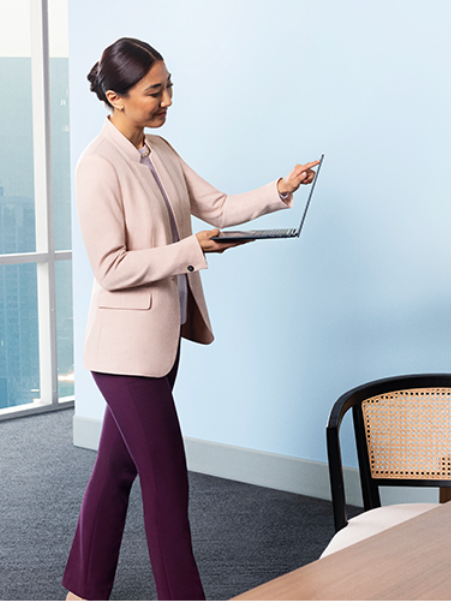
Increasingly, IT experts are relying to a combination of software and hardware-based security measures.
“How do I manage a fleet of devices remotely, from the cloud?” Stu Dommett said. “You’ve got to think about how the hardware assists. We see a lot of organizations beginning to manage at a hardware level, whether they have 200 devices distributed across employee homes, or 200,000 devices across a global office network.”
At-home employees don’t have the advantage of in-house IT support — so any device must provide frictionless stability without recurring issues or downtime. If machines don’t boot up or become so slow, they’re unusable, employees may lose faith in their IT departments, Dommett said.
“User experience
says Bradley Jenkins, UK client category sales director at Intel
is king”
“A laptop that has the performance to keep pace with an employee’s productivity, one that’s more secure, more stable can help to lower employee and device turnover while improving a business’s bottom line — contributing to a healthy, thriving company culture, employee satisfaction and retention rate.”
The Bottom Line
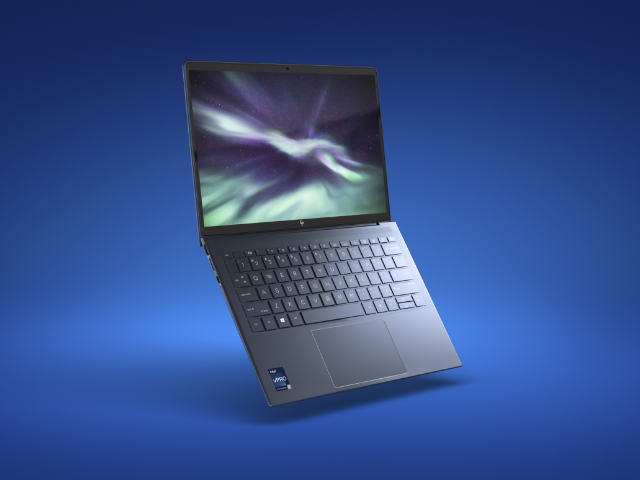
From decades of listening to device users and IT departments alike, Intel has envisioned a solution that offers the best for both audiences. The result — laptops on Intel vPro ®, An Intel® Evo™ Design — Jenkins said perfectly balance what users want and what IT needs.
These laptops carry the latest Intel vPro security, management and stability capabilities, combined with user-friendly aesthetics, intelligent collaboration and responsiveness of Intel Evo platform designs, Jenkins said.
To ensure that these devices stand up to the daily challenges of hybrid work, Intel tests its devices with commercial workloads in a representative IT environment.
“Intel’s real world business computing initiative means we’re using benchmarks that represent real applications and usages and also testing systems in the same way that an IT technician would configure a PC for best practice security and manageability,” Dommett said.
IT departments also get help from Intel vPro-based laptops, which automatically monitor for ransomware, cryptomining and firmware attacks. Intel vPro devices have built-in management — Intel® Active Management Technology — at the hardware layer that allows for remote support beyond the firewall. Along with existing software tools and processes, Intel AMT extends support to additional use cases and locations.
Approximately 90 percent of midmarket IT decision-makers reported PCs are more secure with Intel vPro, according to a Forrester study commissioned by Intel. In addition, dedicated Intel teams evaluate and respond to integrated security, while Intel’s “Bug Bounty” program engages the security research community to identify and zap tech bugs.
“Intel’s real world business computing initiative means we’re using benchmarks that represent real applications and usages”
Stu Dommett, enterprise client solutions specialist at Intel
Intel vPro allows IT teams to seamlessly transition devices with platform validation for the three latest Windows OS releases. If IT wants to deploy 12th Gen Intel vPro systems while running Windows 10, they can do so and upgrade to Windows 11 when they are ready to migrate the entire computing fleet.
While the hybrid work world is still evolving — with more change on the horizon — the tug of war between IT and users can now become a thing of the past: when choosing laptops, they can opt for sleek and secure, all in one device.